Offline · no account
A reader that works with the Wi-Fi off.
Tomen is built the other way round from most readers: everything about reading lives on your device, and a connection is only for the few things that need one. Here is what works offline, what does not, and why no account is needed.
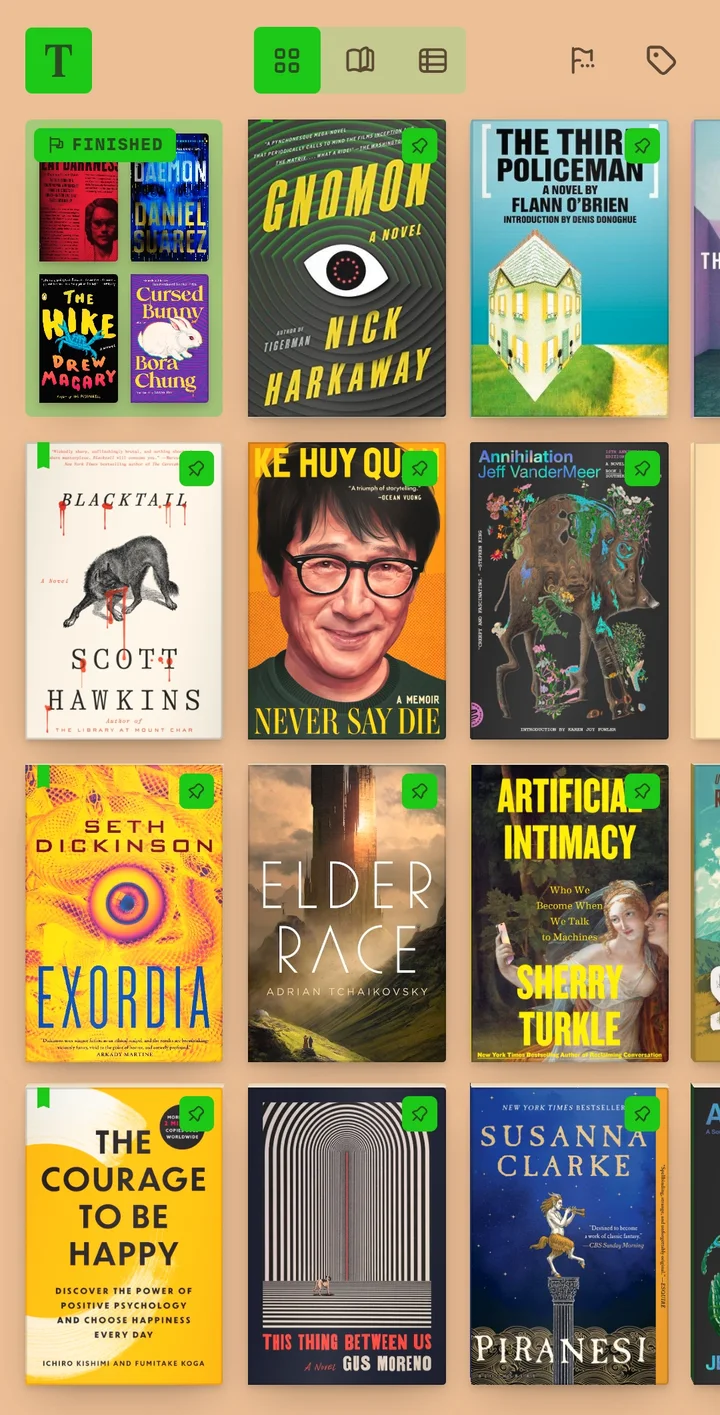
Reading never needs a connection
Open a book from your files and it is on the shelf; the book, your place in it, the contents, search inside it, the eleven themes and the type you set all live on the device. Comics the same: CBZ, CBR, CBT and CB7 open page by page, in either direction, with nothing fetched. Your place is kept to the line in every book, with nothing to switch on and no one to sign in as.
No account to read
The shelf is yours without an account. There is nothing to create, confirm or remember, and the reader does not ask again later. An account exists for one reason, which is sync between your devices, and that is a Plus feature you opt into by signing in with an email code. The account never owns your library; it carries your reading between the copies you already have.
Your files stay where they are
Tomen never uploads a book. Not when you add it, not when you read it, and not with Plus, where only your reading state travels: your place, your highlights and notes, your settings. The sync guide lists exactly what moves. One file backs up your whole library, and restores it on another device, with no server in between.
Offline in a browser, too
The web app at read.tomen.app is a real reader, not a preview. Visit it once with a connection and it keeps itself on your device after that; the shelf and every book on it open with the network off. In Edge or Chrome it installs as an app from the address bar, gets its own window and icon, and registers as a handler for your book files. The Android app on Google Play and the Windows app work the same way, with the shelf on the device.
What does need a connection
- The first visit to read.tomen.app, and updates to the app itself. Reading is never interrupted for either.
- Sync and the Dropbox library, which are the point of a connection. A Dropbox book downloads when you open it and stays after that.
- Lookups: the dictionary, Wikipedia and translation come from the web when you ask. The wordbook you keep from them is on your device.
- Finding a cover online, when a file came without one. Covers already in your files need nothing.
Everything else, which is to say reading, works on a plane, in a tunnel, or on a phone with no plan.
Getting started
- Open read.tomen.app and add a file, or install the Android app. No account.
- If your books live in a folder, add the folder. A Calibre library comes in with its covers and series.
- Make the backup file once you have a shelf you like; it is the copy that needs no one.
Open the reader Everything else Tomen does
Free to read. Tomen Plus is $49, once, with a 30-day trial and no card.