ReadEra · a comparison
Coming from ReadEra, what changes.
ReadEra is the reader people recommend when someone asks for a free Android reader with no ads, and it earns that. This page says where Tomen is different, where it is not, and who should keep what they have.
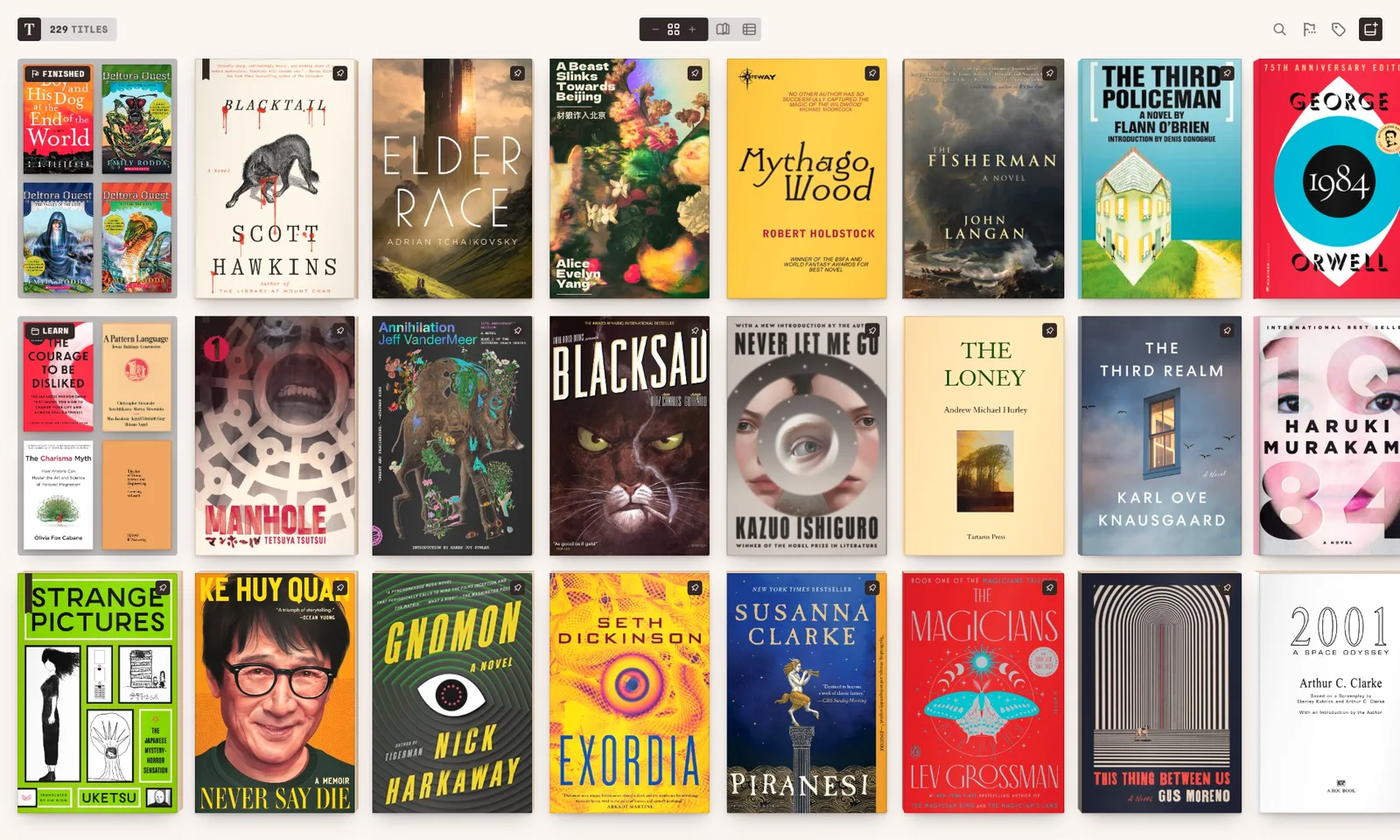
Every device, one purchase
ReadEra is an Android app. Tomen runs in any browser today, as a Windows app and an Android app, and one Plus purchase covers all of them. Your place, highlights and settings follow you between a phone, a tablet and a PC through a Tomen account. If you only ever read on one phone, that is worth less to you than it sounds; if you read on two things, it is the whole point.
The page is set, not just displayed
ReadEra shows a book cleanly and gives you settings to adjust it. Tomen re-sets every book in its own typography, with the type and measure chosen once and tuned to the screen, so a messy EPUB reads as well as a designed one and nothing has to be adjusted per book. Nine themes, including ones drawn for e-ink, and a reading voice that reads aloud on Android.
Comics, and a Calibre library
CBZ, CBR, CBT and CB7 open as comics on the same shelf as the books, with spreads, right-to-left reading for manga, chapters from the ComicInfo file, and a minimap when you zoom into a page. A Calibre library comes in four ways, from adding the folder to keeping it in Dropbox and reading it in place. The Calibre guide has each one.
Nothing to install to try it
Go to read.tomen.app, drag a book in, read. No account, no ads, no tracking, and the free tier is complete: every format, the themes, contents, search, sorting, gestures. Plus adds the things you do inside a book, not the reading itself. The shelf you make in the browser is the one the apps sign into.
What you give up
- Documents. ReadEra reads PDFs as text and opens Word files and the like. Tomen reads a PDF as pages, the way it reads a comic, and does not open office documents.
- A library that finds itself. ReadEra scans the device for books on its own. Tomen asks you to add a file or a folder once, and watches that folder from then on.
- Price. ReadEra is free, and its Premium is a small one-time purchase for one platform. Tomen Plus is $49, once, for every platform.
- Your notes. Tomen imports highlights from Kindle, Kobo, Apple Books, Readwise, Moon+ Reader, KOReader and Boox, but not yet from ReadEra. If you have notes there, keep ReadEra installed until it does.
If you read on one Android phone, your books are PDFs as often as EPUBs, and ReadEra already does what you need, stay. This page is for people who read on more than one device, or who care how the page is set.
Moving over
- Your books are files; copy or share them into Tomen, or add the folder they live in. Nothing is converted.
- Tomen's own highlights export to Markdown, so whatever you make from here on is never stranded in an app again; that is part of Plus.
- Try it in a browser first at read.tomen.app. Nothing to install, and the shelf you make there is the one the apps sign into.
Open the reader Everything else Tomen does
Free to read. Tomen Plus is $49, once, with a 30-day trial and no card. ReadEra is a trademark of its developer; this page compares, it does not speak for them.