Sync · a guide
Stop on the phone; the desk picks up at the line.
Sync is the one thing people say they miss when they leave a store's reader. Tomen's carries your reading between devices and nothing else. This page says exactly what that means.
What travels
- Where you stopped, to the line in a book and to the page in a comic. If two devices disagree, the one further along wins, and nothing ever moves you backward.
- Highlights, notes and bookmarks, placed by the passage, so they land in the same sentence on every screen size.
- The words you saved, with the sentence you met them in.
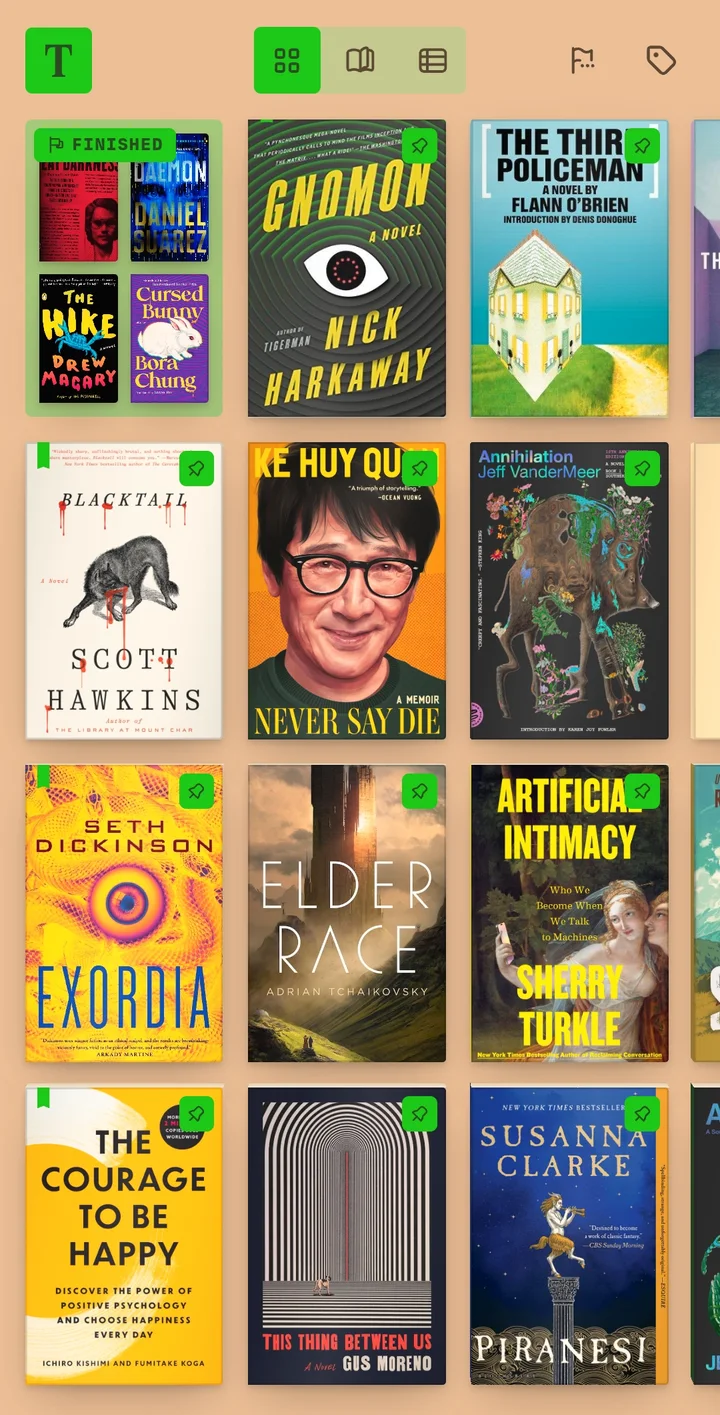
- Your shelf's shape: tags, collections, pins, favorites and the finished flag.
- A cover you picked from Open Library. An image you uploaded yourself stays on the device you chose it on.
- Your look, if you want it to: theme, accent and typeface. A device that finds a different look waiting asks you before it changes, and text size always stays with the device, because a phone and a desk are not the same distance from your eyes.
What never travels
Your files. Sync moves reading state, never a book. The EPUB or CBZ stays on the device you put it on, which is what keeps "your files never leave your device" literally true. If you want the same books on two devices, that is a different thing with its own page: a Calibre library or a Dropbox folder, read in place.
Everything works offline. Sync is a background reconcile that runs when it can, not something the reader waits for.
The account is an email, not a password
Sign in with your address and the code it sends you. The account carries your Plus license and is the name on every synced row; it does not own your library. Books, places and highlights belong to the install, and the install is complete without an account. Signing out deletes nothing. A device holds one account at a time, and switching to another asks before it blends two readers' shelves.
If Plus lapses
You keep reading, and you keep everything that synced. A lapsed account can still pull its own data down and export it; it just cannot push new changes up. Nothing you made is held hostage, and it is all still there if you come back.
Setting it up
- Open Settings › Sync on each device and sign in with the same address. The first sign-in starts the 30-day Plus trial; no card.
- A book you hold on both devices picks up where the other left it. A book you only hold on one waits for its file on the other, and then catches up.
- Try it between a browser tab and your phone first. The shelf you make at read.tomen.app is the same one the apps sign into.
Open the reader Everything else Tomen does
Free to read. Tomen Plus is $49, once, with a 30-day trial and no card. Sync moves only your reading; your files stay yours.