Google Play Books · a comparison
Leaving Google Play Books, what comes with you.
Play Books is a store with a reader attached, and it is a decent reader. People leave it when they realize the books they uploaded live on Google's shelf, not theirs. This page says what comes with you, what cannot, and who should keep what they have.
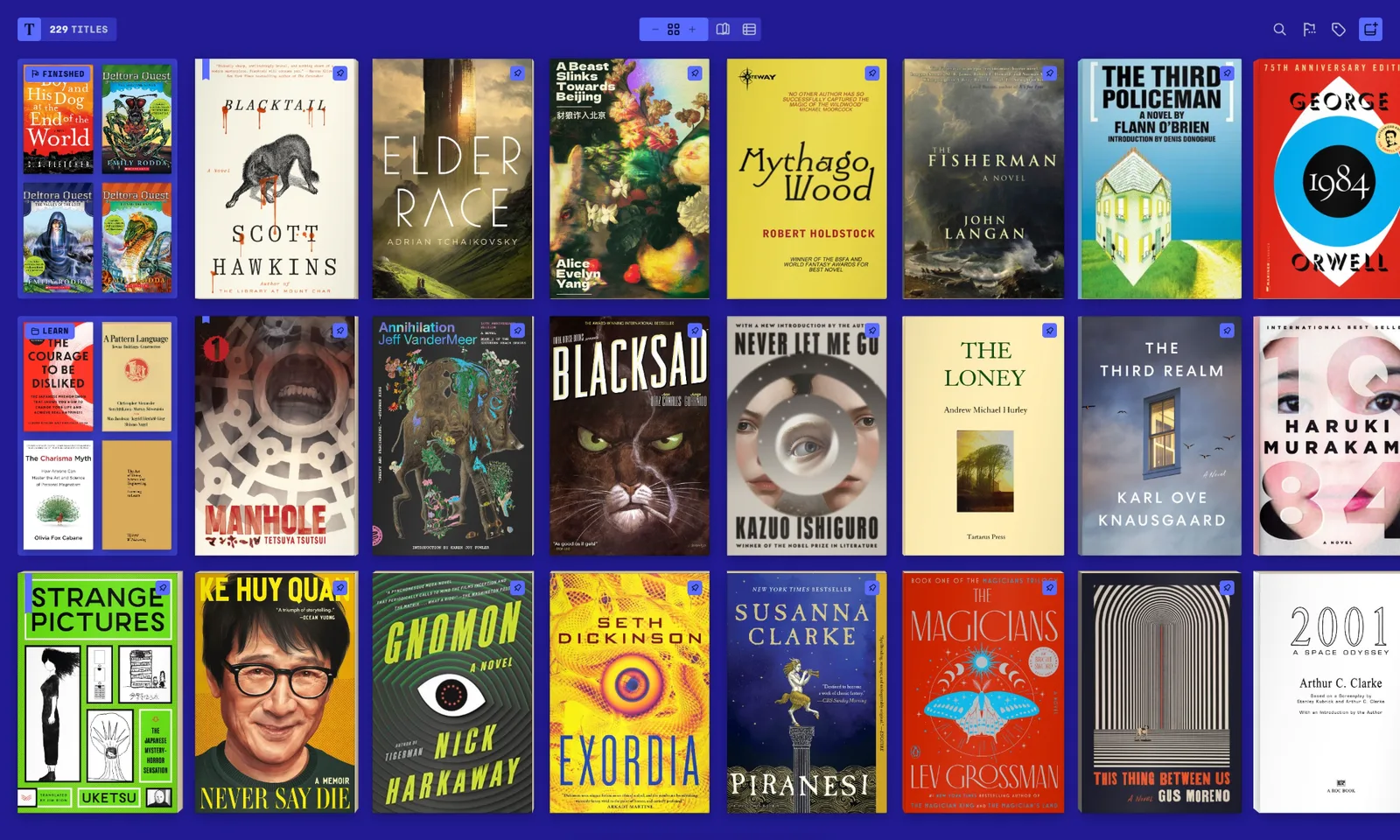
Your uploads are yours. Your purchases mostly are not.
Books you uploaded to Play Books yourself are files you already own; they come back out as the EPUBs and PDFs they were, and Tomen reads them. Books you bought from the Play store are, with few exceptions, locked to Google's reader, and Tomen cannot open a locked book; no reader can. If most of your library was bought there, this page cannot help with that part, and you should know it before you read on.
The shelf is on your device, not in an account
Tomen keeps your books where you put them: on the phone, on the PC, or in a Dropbox folder you control. There is no upload, no account to read, and nothing a store can take back. If Tomen disappeared tomorrow your books would still be files in a folder, which is the whole point of owning them.
Every device, one purchase, no store in the middle
Play Books runs on Android, iOS and the web, and syncs through your Google account. Tomen runs in any browser, as a Windows app and an Android app, and one Plus purchase covers all of them. Your place, highlights and settings follow you through a Tomen account that exists for that and nothing else; it is not a storefront.
The page is set, not just displayed
Tomen re-sets every book in its own typography, with the type and measure chosen once and tuned to the screen, so an uploaded EPUB with a publisher's odd styling reads as well as a designed one. Nine themes, including ones drawn for e-ink. Comics open as comics, with spreads and right-to-left reading for manga, and a Calibre library comes in four ways; the Calibre guide has each one.
What you give up
- The store. Buying a book and having it appear on every device in a minute is what Play Books is for. Tomen sells no books; it reads the ones you have.
- iPhone and iPad. Play Books has an iOS app. Tomen does not, and the web app in Safari on iOS is not something this page will promise.
- Locked purchases. They stay in Play Books. Keep the app for them.
- Your notes. Play Books can export highlights to a document in Google Drive; Tomen does not read that file yet. It imports from Kindle, Kobo, Apple Books, Readwise, Moon+ Reader, KOReader and Boox.
- Price. Play Books' reader is free with the store. Tomen is free to read; Tomen Plus is $49, once, for every platform.
If you buy your books from the Play store and read on an iPhone, stay. This page is for people whose library is files they own, who want it on a shelf that belongs to them.
Moving over
- Your uploaded books are already on your computer or your phone, wherever you uploaded them from. If not, download them from your Play Books library where Google allows it; what comes down is the file you put up.
- Put the files in a folder and add that folder to Tomen, or drag them onto the shelf. Nothing is converted, and the folder is watched from then on.
- Tomen's own highlights export to Markdown, so whatever you make from here on is never stranded in an app again; that is part of Plus.
- Try it in a browser first at read.tomen.app. Nothing to install, and the shelf you make there is the one the apps sign into.
Open the reader Everything else Tomen does
Free to read. Tomen Plus is $49, once, with a 30-day trial and no card. Google Play Books is a trademark of Google LLC; this page compares, it does not speak for them.