Windows · EPUB
Read EPUB on Windows, nothing to install.
Windows has never had an obvious reader for the EPUBs you own. Tomen is one: open it in your browser, drop the file on it, and read. It stays on your PC, works offline, and installs as an app when you want it to.
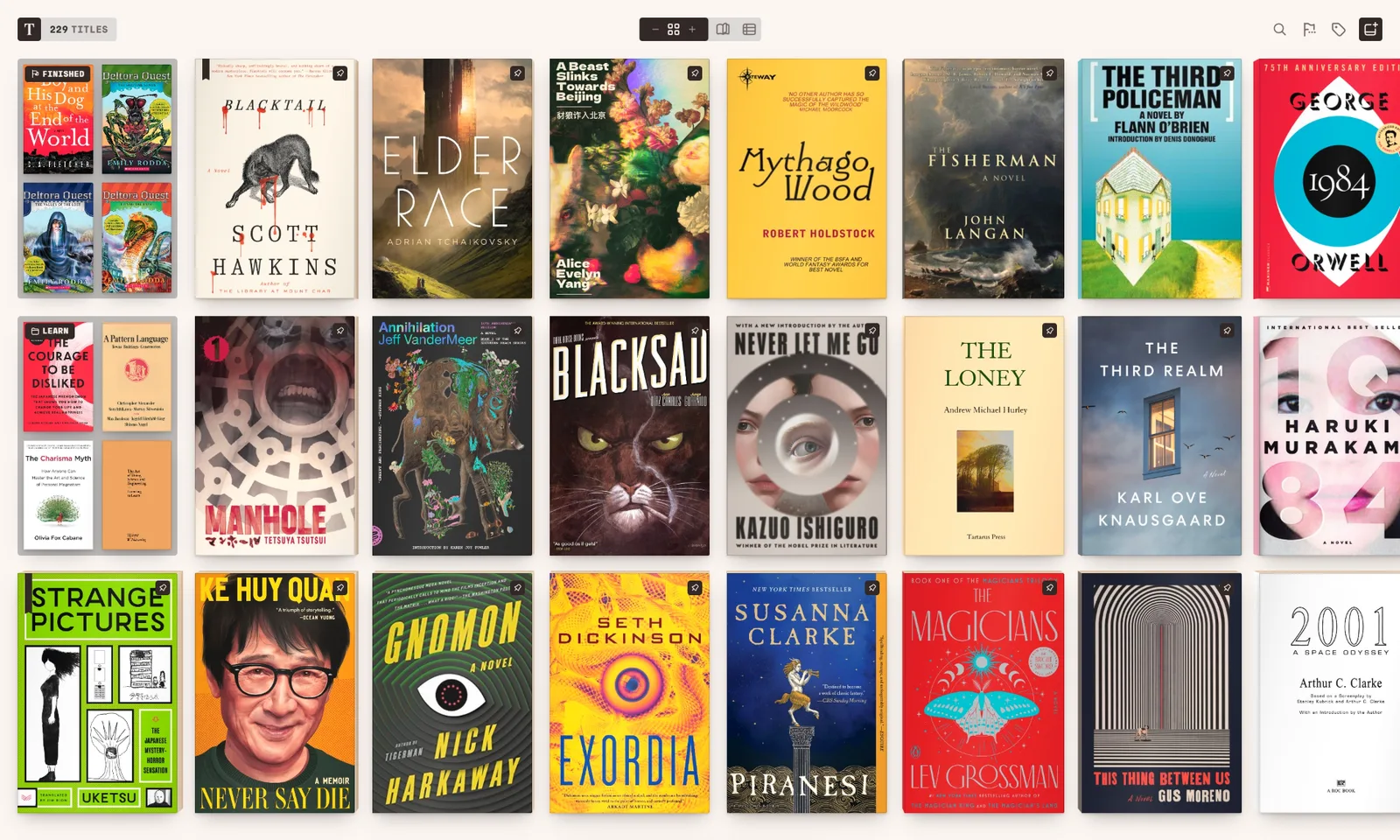
In the browser, right now
Open read.tomen.app in Edge or Chrome and drop an EPUB on it, or pick it from a folder. It lands on a shelf with its cover, opens set like a printed book, and your place is kept to the line when you come back. No account. After the first visit the reader keeps itself on your PC, so the shelf and every book on it open with the network off.
Install it from the address bar
Edge and Chrome both offer to install Tomen as an app: in Edge, the menu’s Apps › Install this site as an app; in Chrome, the install icon at the right of the address bar. It gets its own window, an icon in the Start menu, and it registers as a handler for your book files, so .epub, .mobi, .azw3, .fb2 and the comic archives can open with Tomen from Explorer. Firefox reads just as well but does not install sites as apps.
Not only EPUB
MOBI and AZW3 without DRM, FB2, PDF, Markdown, plain text and HTML open on the same shelf, as do CBZ, CBR, CBT and CB7 for comics, with spreads and right-to-left reading for manga. A Calibre library on your PC comes in by adding its folder, with covers and series kept. Locked books, from Kindle or any other store, do not open; Tomen reads what you own as a file.
A reader for a keyboard
A PC reader is used with a keyboard, and Tomen is built for one: Ctrl+K opens a palette that finds any title, chapter or setting; ? lists every key; the arrows turn pages. The page itself is typeset once for every book, with kerning, old-style figures and a baseline grid, in eleven themes from bright paper to true black, and the type scale is set for the screen rather than left to each file.
The desktop app
There is also a Windows app, for x64 and ARM, which adds Open with from Explorer, a watched folder that puts new downloads on the shelf by itself, a direct connection to a Calibre server, and a window that takes your theme. It is not code-signed yet, so Windows warns before it runs; the Windows page shows exactly what you will see and which buttons to press. If you would rather not click through a warning, the browser app above is the same reader.
And your phone
- The same shelf is on Android through Google Play, and with Tomen Plus your place, highlights and settings follow you between the PC and the phone. What sync carries.
- Plus is one purchase for every device, with a 30-day trial and no card. Reading on Windows stays free either way.
Open the reader Everything else Tomen does
Free to read. Tomen Plus is $49, once, with a 30-day trial and no card. One purchase covers the web, Android and Windows.