Kobo · a guide
The same books on your Kobo and everywhere else.
If you sideload books onto a Kobo, you already have a library of files and a reader you like for the couch. This page is about the phone in your pocket and the computer on your desk: the same shelf there, and the Kobo's highlights brought along.
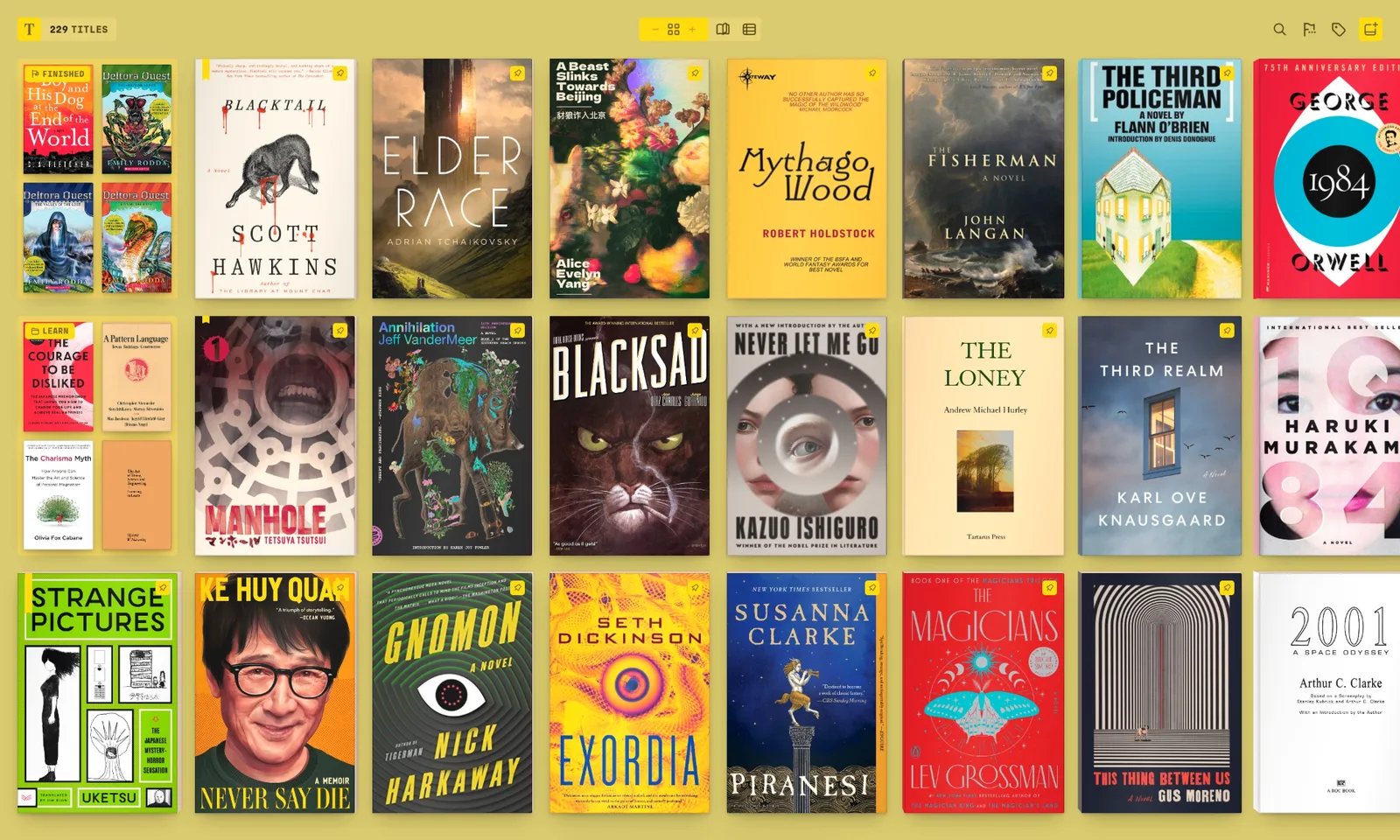
Tomen does not run on the Kobo itself
A Kobo has no browser Tomen can run in, so keep reading on it with its own reader or with KOReader. Tomen is for the other devices: a phone, a tablet, a PC, an Android e-ink tablet. And books bought from the Kobo store are, with few exceptions, locked to Kobo's reader; Tomen cannot open a locked book. The sideloaded ones, the EPUBs you put there yourself, are what this page is about.
The folder you sideload from becomes the shelf
Whatever folder you copy books to the Kobo from, add it to Tomen on the PC and every book lands on the shelf with its cover, sorted by title, author, progress or the color of the cover. Nothing is uploaded or converted; the folder is watched from then on, so a book you add for the Kobo is on the shelf before you have unplugged it. If that folder is a Calibre library, there are four ways in.
The same shelf on the phone, from Dropbox
Keep that folder in Dropbox and point Tomen at it on the phone: the whole shelf appears, and a book downloads only when you open it. The connection is read-only; Tomen never moves, changes or deletes a file, so the folder stays exactly what the Kobo expects. Your place, highlights and notes then follow you between the phone and the PC through a Tomen account.
The Kobo's highlights come across
A Kobo keeps its highlights in a database file on the device, in the hidden .kobo folder, named KoboReader.sqlite. Plug the Kobo in, copy that file, and give it to Tomen: every highlight lands on the matching book on the shelf, placed by its passage rather than by Kobo's own page reference, with the note you wrote on it and its color. Dog-ears carry no text, so they stay behind. Tomen's own highlights export to Markdown, so from here on nothing you mark is stranded in one device.
The page is set, and comics are a shelf
On the phone and the PC, Tomen re-sets every book in its own typography, tuned to the screen, so a sideloaded EPUB with odd styling reads as well as a designed one. CBZ and CBR open as comics beside the books, with spreads, right-to-left reading for manga, and a minimap when you zoom. On an Android e-ink tablet, the Boox guide covers the e-ink mode.
What this does not do
- Reading position does not sync between the Kobo and Tomen. The Kobo keeps its own; Tomen keeps its own between the phone and the PC. Highlights cross once, by the file, not continuously.
- Kobo store purchases stay in Kobo's apps. Keep them for those.
- Tomen does not write anything back to the Kobo. It reads the folder you sideload from and the highlights file you hand it; the device is untouched.
If the Kobo is the only place you read, there is nothing here for you, and that is fine. This page is for the library that outgrew one device.
Open the reader Everything else Tomen does
Free to read. Tomen Plus is $49, once, with a 30-day trial and no card. Kobo is a trademark of Rakuten Kobo Inc.; this page is not affiliated with them.